
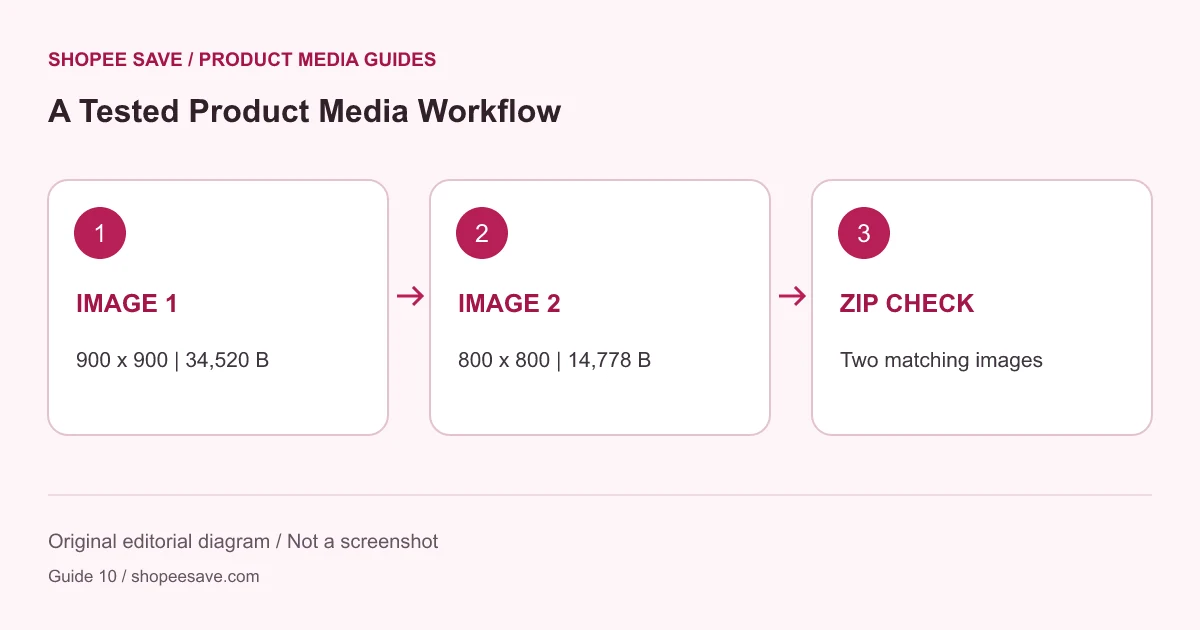
See exactly what was verified on one Merdas Ceram product page: two WebP images, a matching ZIP and clear test limits.
An extraction tool needs a check against real files, not just a results counter. For this project’s November 10, 2026 integration checks, the supplied source was a public Merdas Ceram page for Derma Gray Light 100×100 from Saba Tile. The result is useful precisely because it is specific: two images were verified, and no video result was claimed.
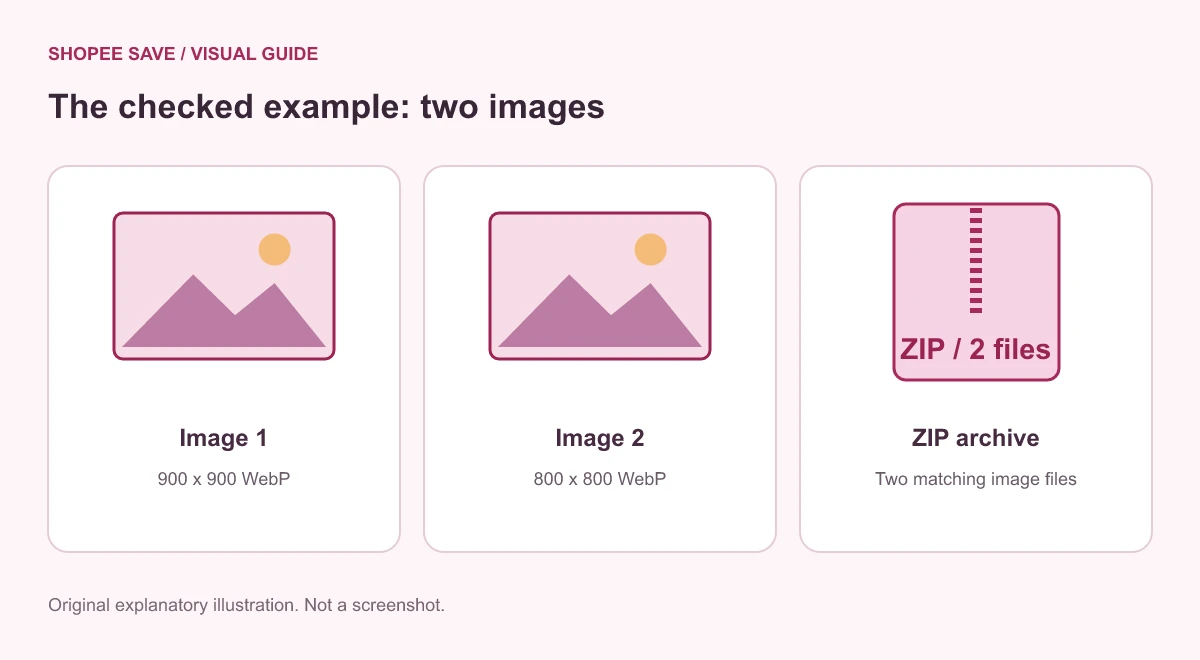
The test used this public product page. The product media downloader extracted two image references. Each file was then fetched and decoded, rather than treating the references alone as proof of success.
The first verified WebP measured 900 by 900 pixels and contained 34,520 bytes. The second measured 800 by 800 pixels and contained 14,778 bytes. Those are downloaded image dimensions, not a measurement of the tile. The 100×100 in the product name must not be confused with the pixel size of its photographs.
These observations describe the source response during the recorded checks. The seller can update the page or replace its media later. A future run may produce different results, so inspect the current previews before saving anything.
Both images were selected for the images-only ZIP. The archive was checked for the expected filenames, CRC integrity and matching file hashes. That establishes that the two images in the tested archive matched the individually verified downloads. It does not establish a license to republish the seller’s photography or prove that all product variations were represented.
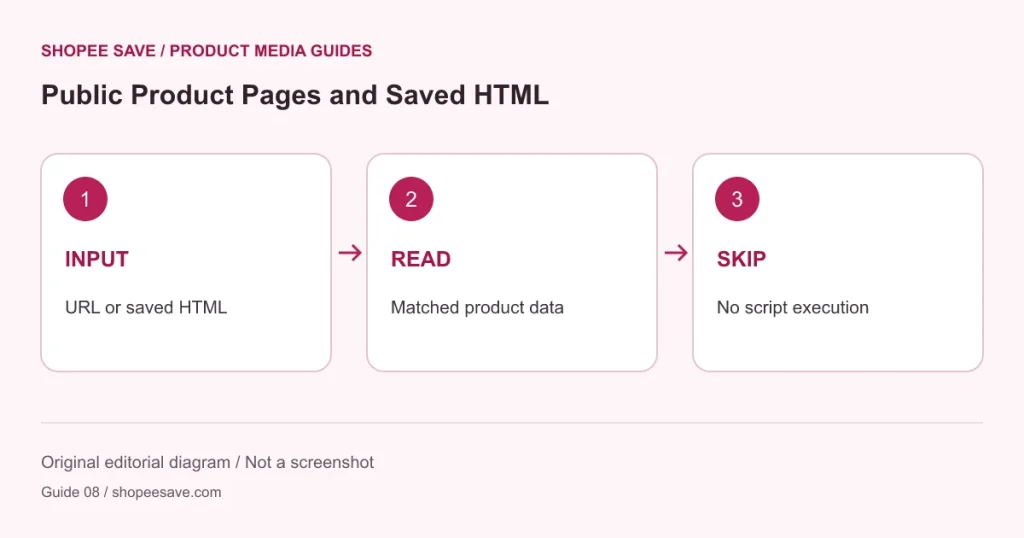
The saved-HTML input path was also checked against this source. See the HTML extraction explanation for why that alternative still depends on supported product data. It does not execute a store’s scripts or guarantee the same result for another page.
Once an image is verified, “Edit this image” provides a route to the product image editor. Alternatively, save a local copy and select that file. Choose the required output width and format, create a preview and download a separate export. The visual editor tutorial illustrates the controls.
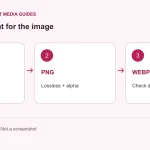
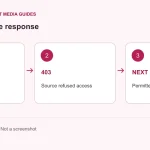
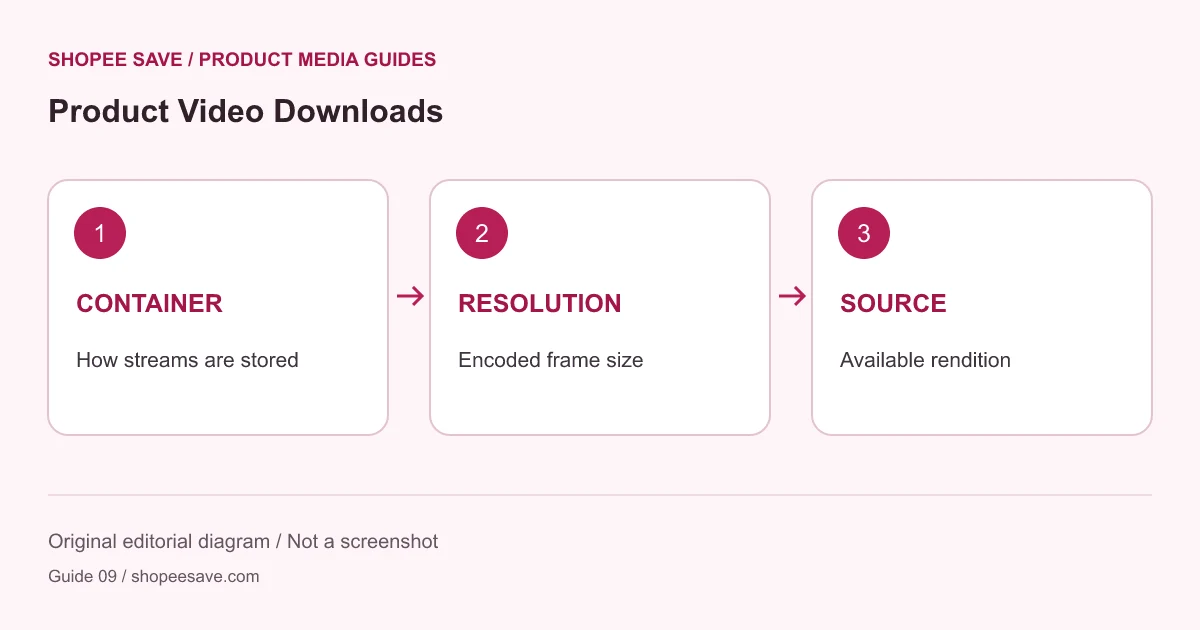
The integration checks covered the media download, archive and image-file validity. Automated editor-flow checks are separate; they are not a claim that a person completed a browser-based visual review of this tile image. The cover illustration for this article is a diagram of the recorded results, not a screenshot of a completed seller gallery.
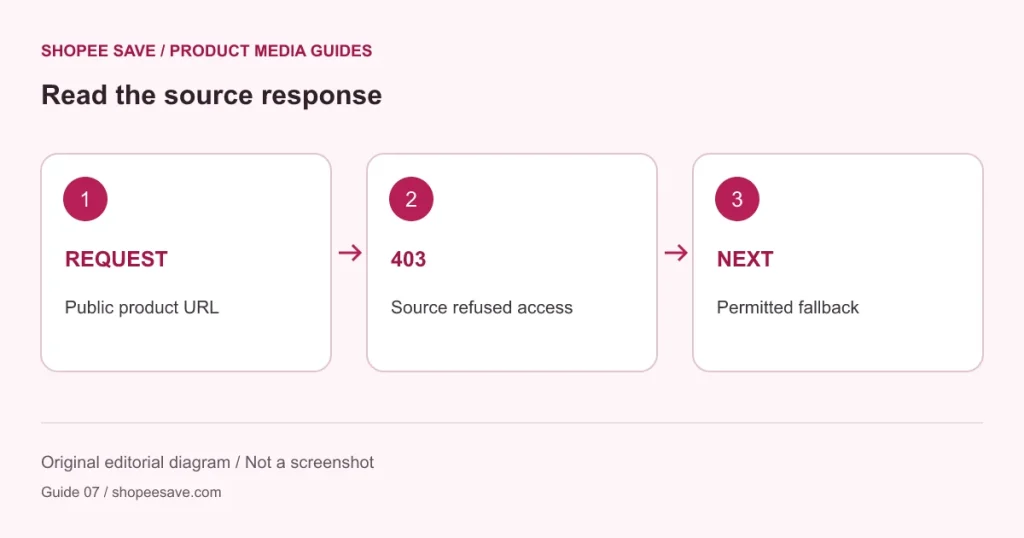
Keep the source identity, verify each downloaded file and check the archive after unpacking. If another source returns 403 or exposes no usable media, record that result instead of assuming it behaves like this sample. Direct Shopee requests in the project checks were refused, so this tile-page success must not be presented as proof of successful direct Shopee extraction.
Use the download organization guide to keep originals and edited copies distinct. The value of the example is a repeatable validation method with honest boundaries, rather than a universal success claim.












shopee save: Thanks
Koiran Dhananjay babu01: 😘😘😘❤️😘❤️😘
Asariparth: 🔥🔥🔥
shopee save: I'm glad it was useful