
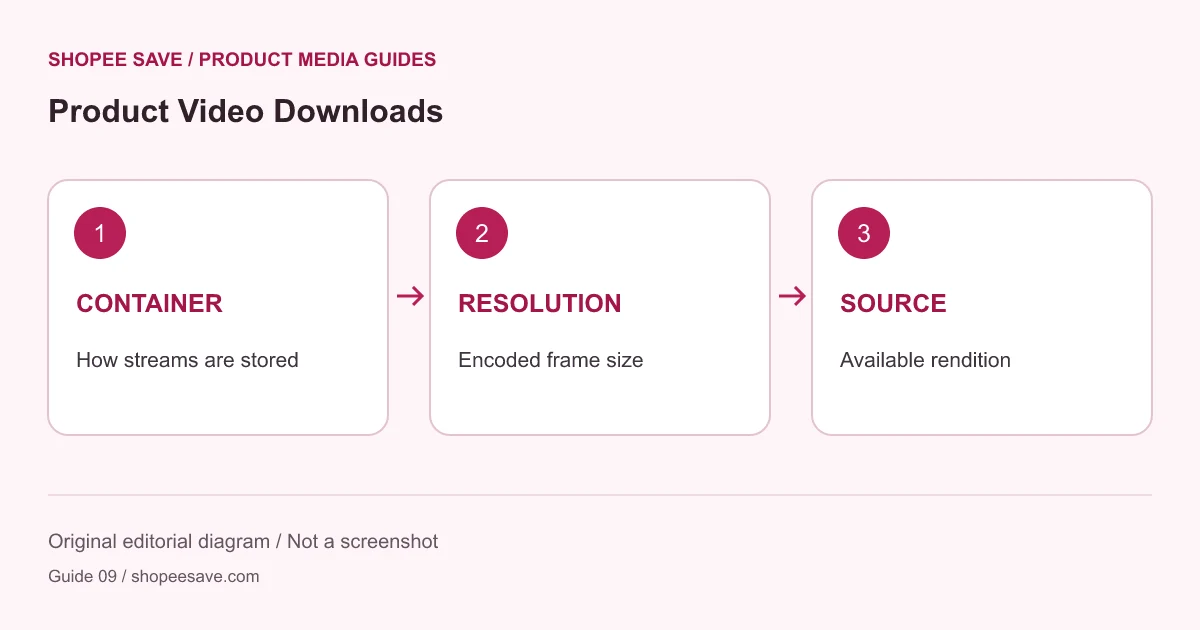
Check what a downloadable video actually contains and understand why an extension, container or player label cannot create detail.
A file ending in .mp4 does not tell you whether its product details will be clear. It describes a container choice, while visible quality also depends on the encoded video and the source footage. Downloading a clip preserves what the source provides; it does not turn a low-detail demonstration into a high-detail recording.

A container holds media streams and related information. A codec describes how a stream is encoded and decoded. Resolution describes frame dimensions. These terms answer different questions, so changing an extension or seeing “HD” beside a player is not enough to establish the quality of a downloaded file. MDN’s video codec guide explains the encoding side of this distinction.
For a product demonstration, inspect what matters: can you read the controls, see the moving part or distinguish the material under normal playback? A larger file may contain a longer clip rather than a sharper one. Upscaling frame dimensions cannot recover detail that was never captured.
The product media downloader can list a supported video reference when one exists in the product data it reads. It cannot guarantee a video for every product. A page may have only images, or its visible player may depend on data unavailable to the parser. A product URL and a video watch URL are not interchangeable inputs.
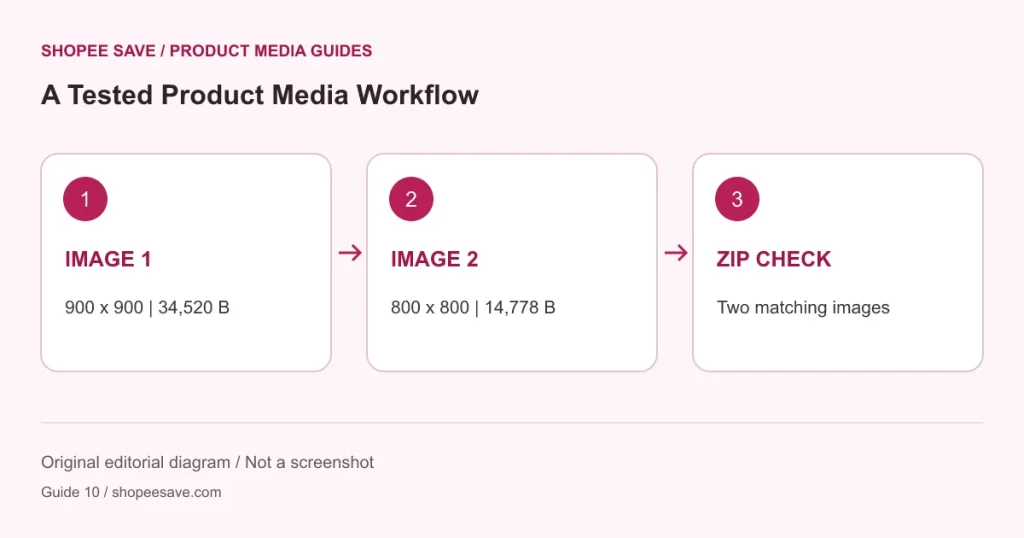
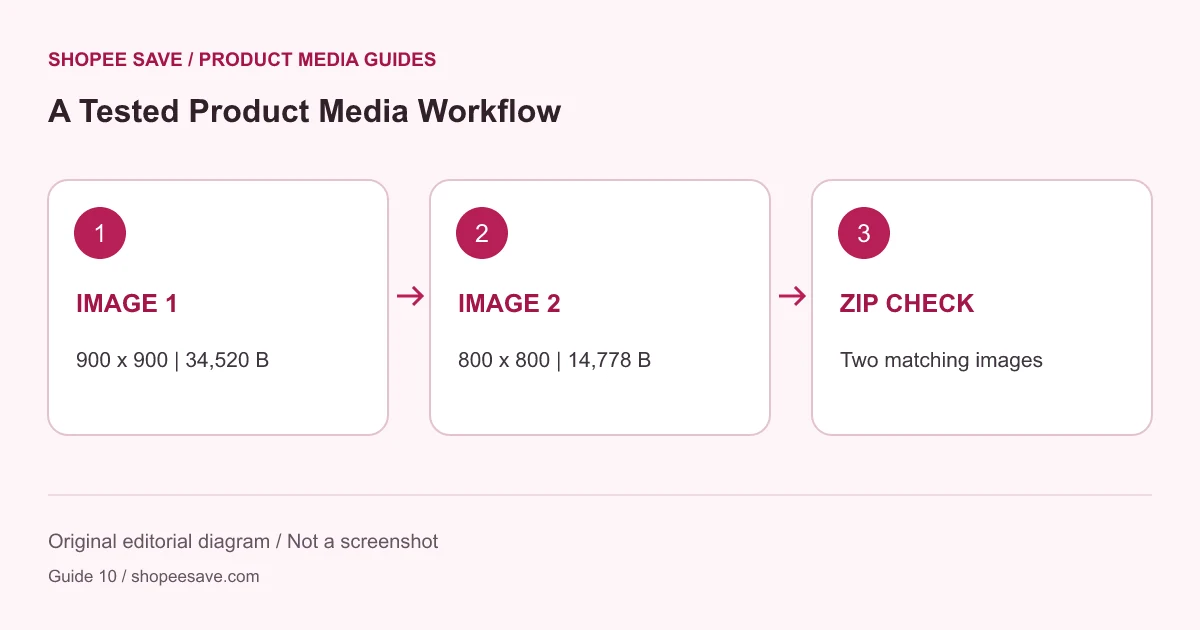
The project’s tested Merdas Ceram sample returned two images and no video. No successful live product-video download is claimed from that sample. The documented case study deliberately reports that limit instead of inventing a clip for a demonstration.
Use an individual video action if a verified result is available. The selected-images ZIP option does not package video. This tool applies a 30 MiB video limit and other source checks; it is not designed to combine streaming segments or fetch an arbitrary media address pasted into the product input.
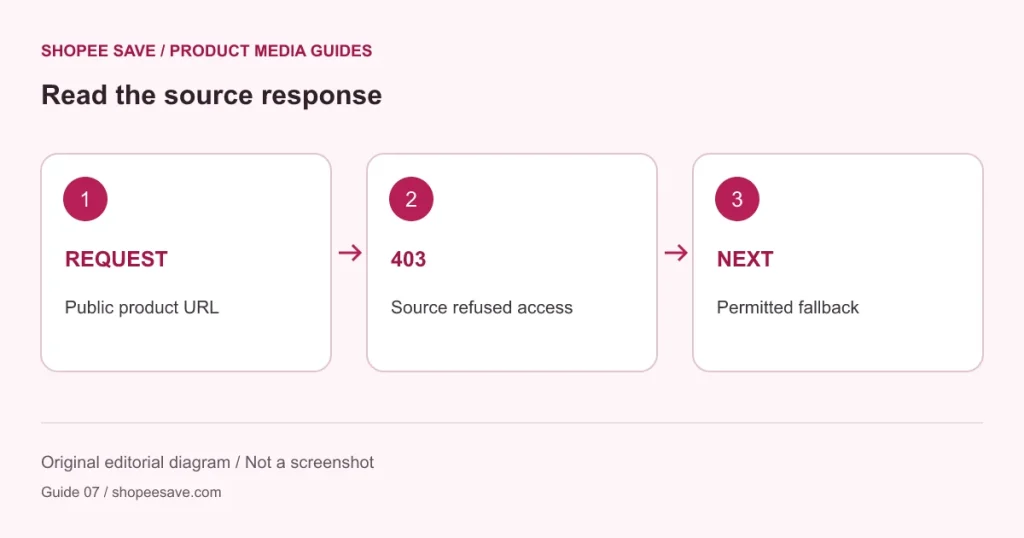
If the page or media request is refused, consult the source access troubleshooting guide. Do not assume that a refusal can be fixed by adding “1080p” to the URL or changing the suffix. Use an authorized seller export when the public source does not offer an accessible file.
Save the clip alongside a note identifying the product, source and date. Check its duration, playback and frame dimensions in a trusted local player before reusing it. Retain the original download if you later create a shorter version in a separate video editor. The image editor on this site does not edit or transcode videos.
For a browser-extension approach, start with the independent Shopee Save overview and its current store listing. Treat extension behavior and this website’s downloader as separate workflows. The useful result is a playable, appropriate, authorized clip whose limits you understand, rather than a file named as if it contained a quality the source never supplied.












shopee save: Thanks
Koiran Dhananjay babu01: 😘😘😘❤️😘❤️😘
Asariparth: 🔥🔥🔥
shopee save: I'm glad it was useful