
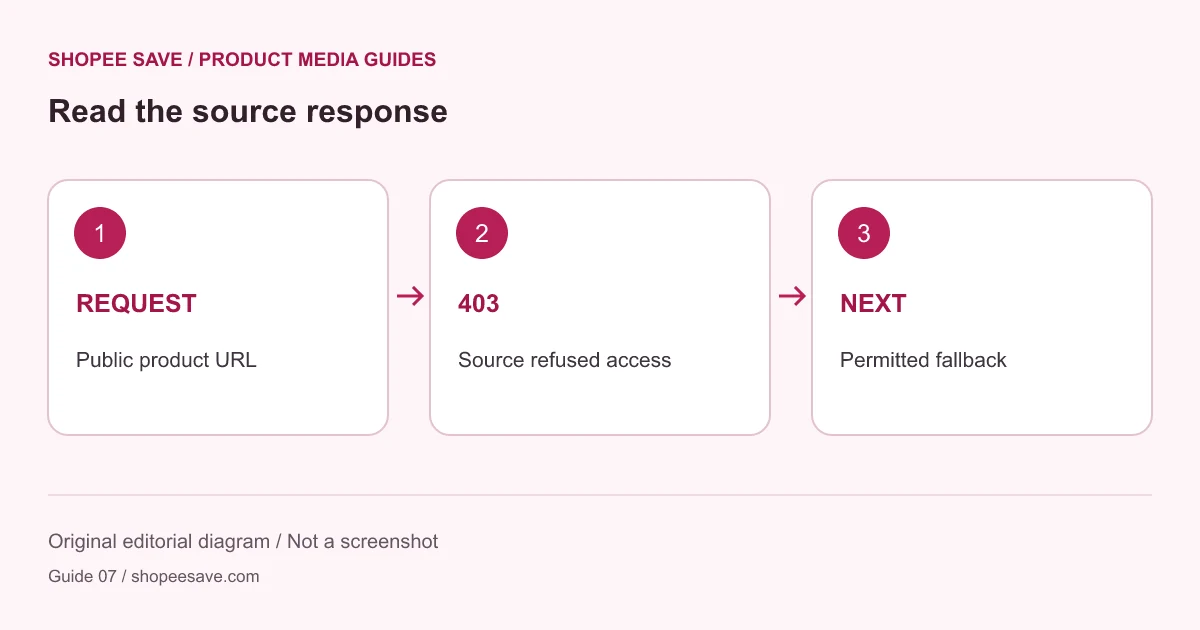
Separate a source access refusal from an extraction problem and choose a permitted fallback without bypass claims.
When a product page opens in your browser but a server-side download fails, the two requests may be receiving different treatment. A logged-in browser, regional routing or a store’s access rules can change the response. The visible page alone does not establish that an automated request will be accepted.
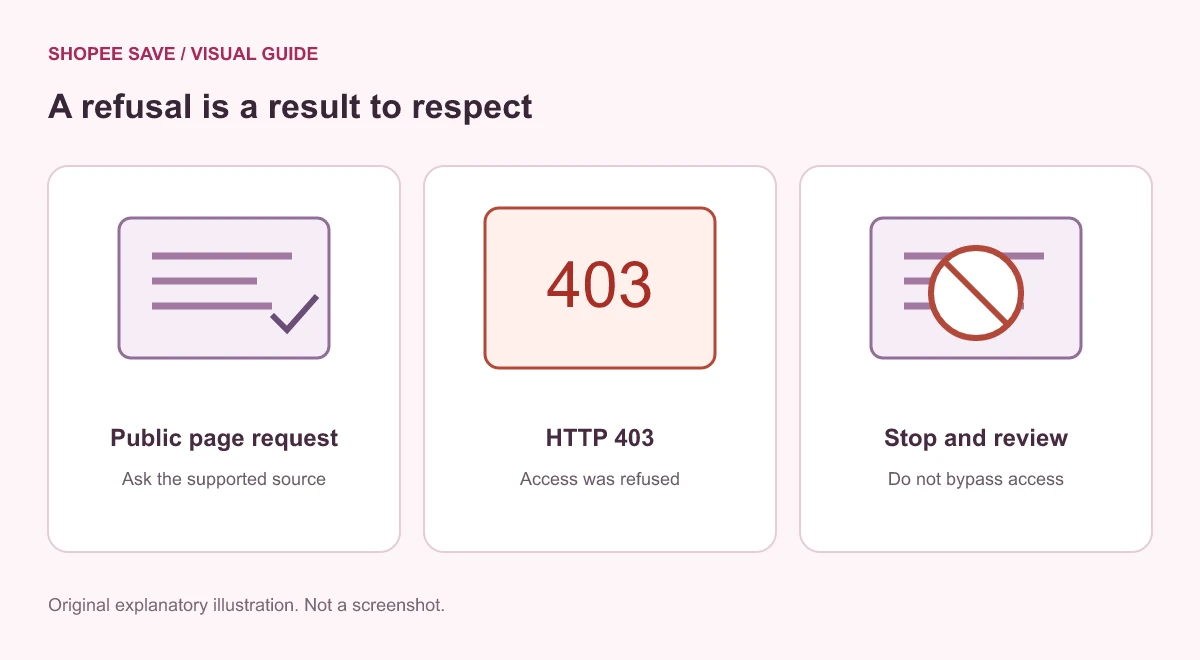
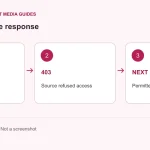
HTTP 403 means the server understood the request but refused it. MDN’s 403 reference describes that status. It does not tell you the exact reason for a particular store’s decision, and it should not be treated as proof that a filename or image extension is wrong.
The product media downloader checks supported product URLs and fetches public source data. It does not bypass login gates, anti-bot controls or a store’s access restrictions. In this project’s checks, direct Shopee requests were refused with 403. That observation is a specific test result, not a claim that every regional page always fails or that a different result is guaranteed later.
A URL can fail validation before any source request. A supported URL can then fail while the source HTML is fetched. Finally, a parsed media reference can fail when the actual image or video is requested. These are different problems. Read whether the error refers to the product page, the extracted media or the session batch.
Check that you entered a full supported product URL rather than a search page, storefront or short link. If the page fetch succeeds but results are empty, the product data may be absent from the returned HTML. If previews fail after extraction, the media host may be refusing access. Repeatedly clicking the same button does not resolve either case and may reach request limits.
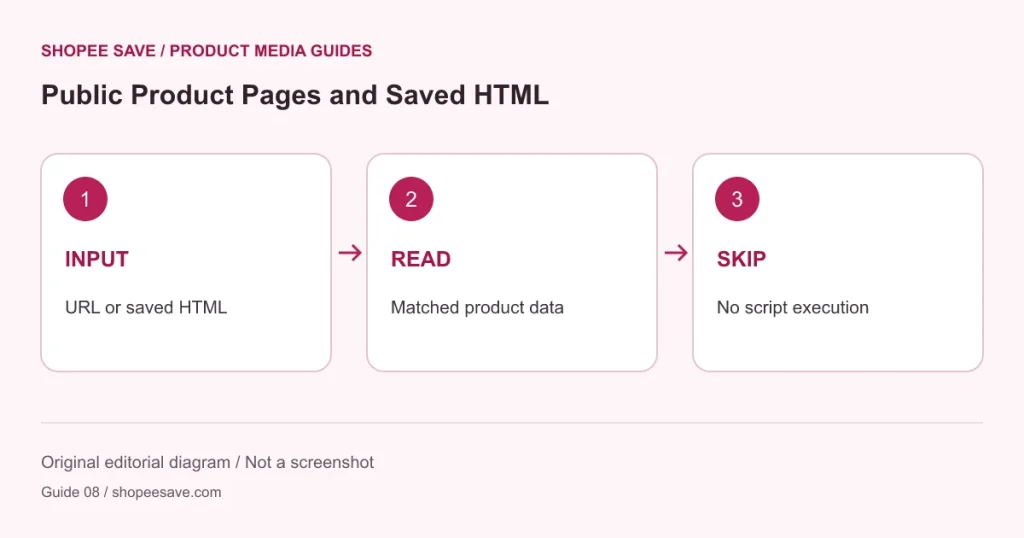
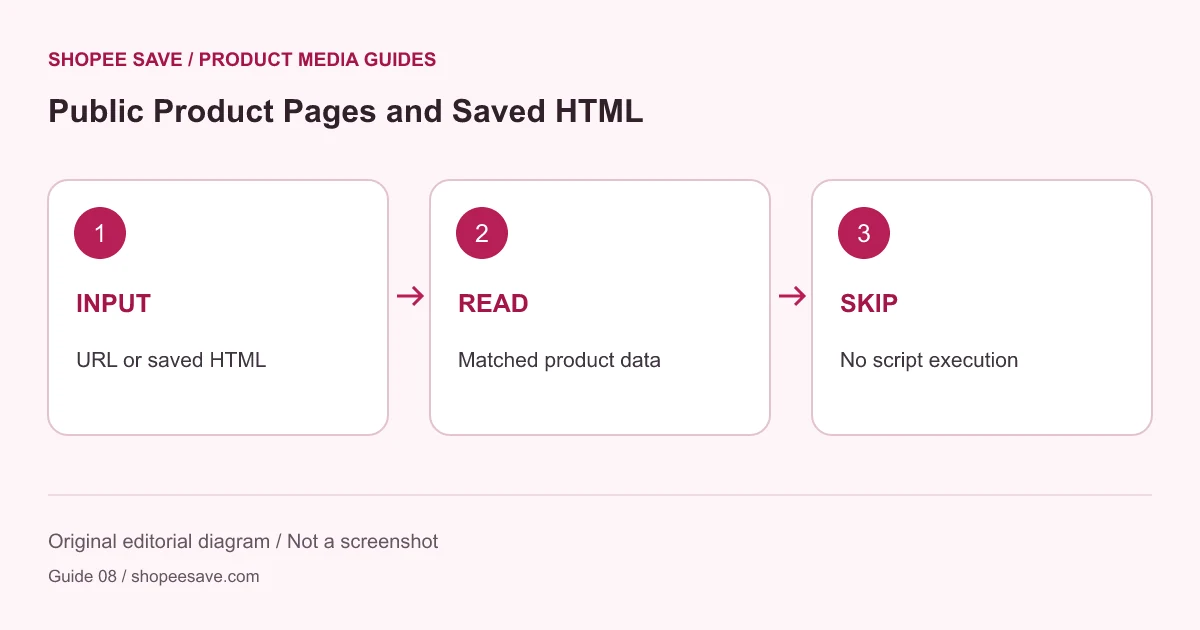
If you can legitimately access the public product page, the tool can accept a saved HTML file that contains supported product data. This is an alternative input, not a way to force missing or protected content to appear. Keep the file unedited and do not paste authentication headers, cookies or credentials into an input. Read the saved HTML guide before trying it.
For a browser-based extension workflow, consult the independent Shopee Save guide and verify the extension’s actual capabilities and permissions. This site’s downloader and the extension are separate tools; success in one is not promised for the other.
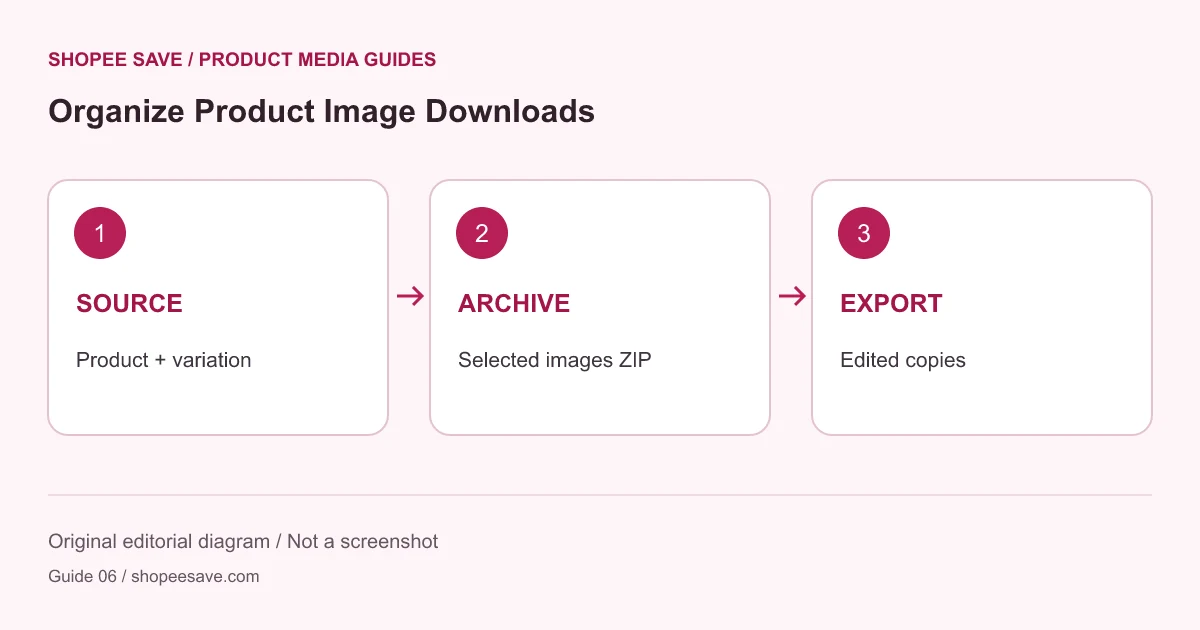
If the source continues to refuse access, use an official seller media export, your own product photographs or another authorized supply route. Once you have a permitted local image, the image editor can resize or watermark it without depending on that source request. An honest failure message is more useful than a download button that claims to defeat every restriction.












shopee save: Thanks
Koiran Dhananjay babu01: 😘😘😘❤️😘❤️😘
Asariparth: 🔥🔥🔥
shopee save: I'm glad it was useful