
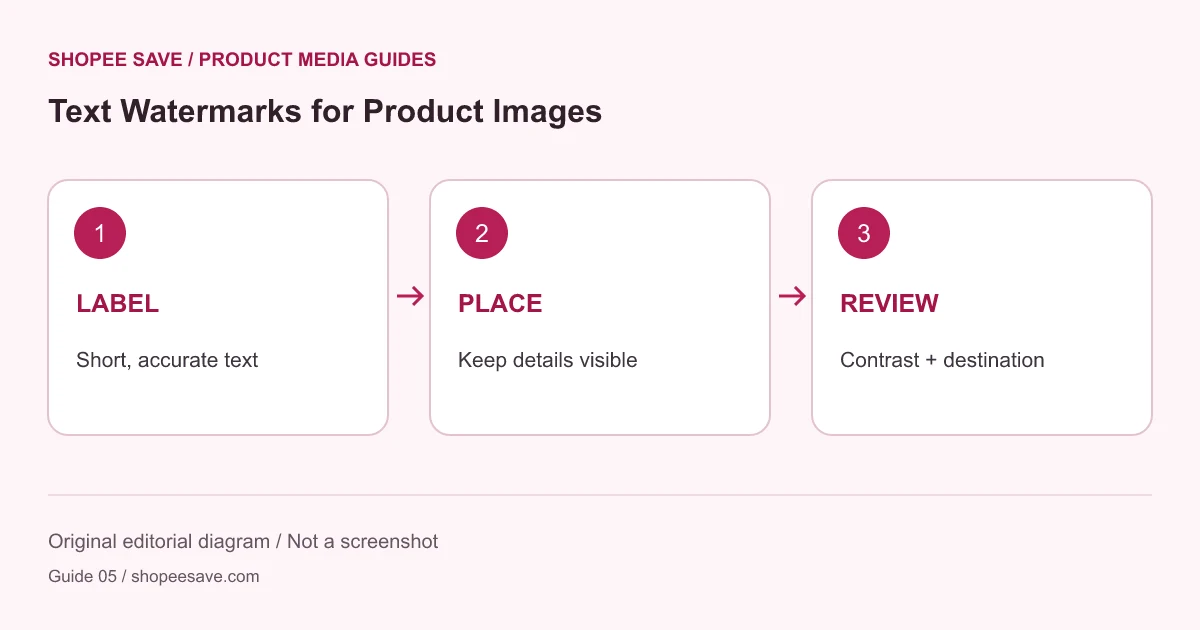
Add a readable brand label while keeping product features visible, and understand what a watermark cannot prove.
A text watermark can identify the source of an image as it moves through a workflow. It can also cover the exact feature a customer wants to inspect. Treat the label as part of the composition: choose what it needs to say, where it can fit and whether the destination allows it.
Use photographs you own or are authorized to adapt. Adding your store name to someone else’s image does not create ownership or permission. A watermark is also not a reliable record of a license. Keep the original source and permission information separately, as described in the product image preparation workflow.
Decide whether the text identifies your business, a sample or an internal proof. An internal “DRAFT” label should not accidentally appear in a published listing. Check the actual marketplace or store rules before uploading: a tool’s ability to add text does not establish that a destination accepts it.
Open a permitted image in the product image editor and enter a concise text watermark. A short brand name is easier to place than a full promotional sentence. Avoid claims that the photograph itself cannot substantiate, such as “official,” “certified” or “best quality.”
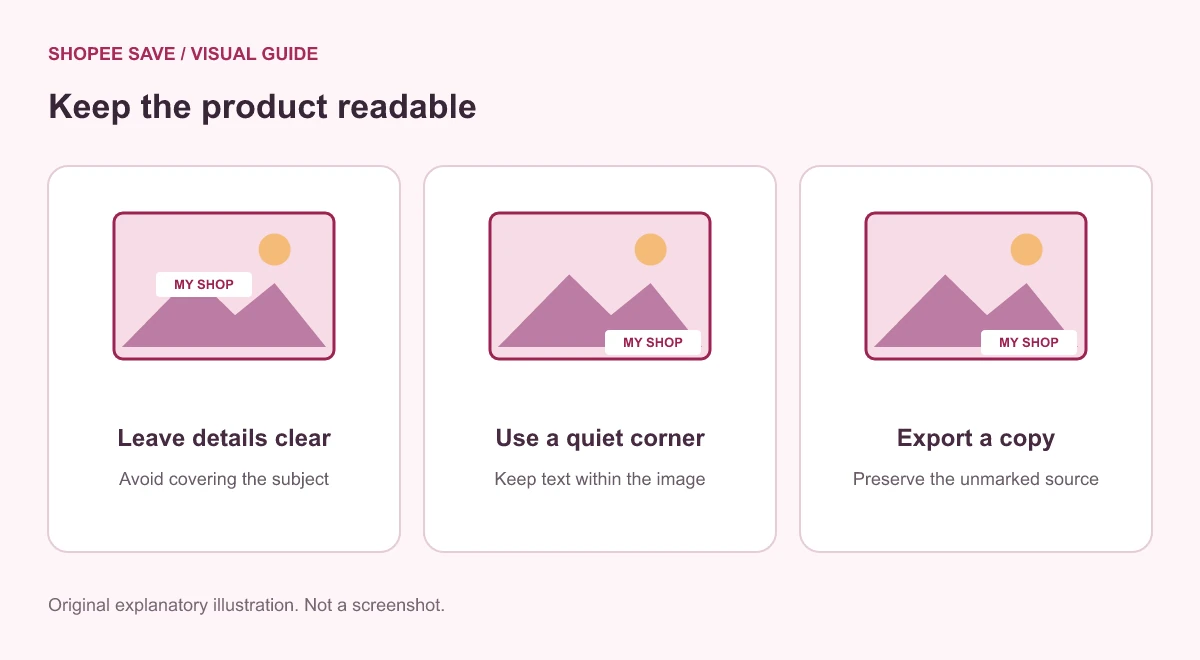
Choose from the positions the current tool provides and generate an output. Read the result at normal display size. A corner can be unobtrusive on one photograph and busy on another, especially where the product fills the frame. The visual editor tutorial shows the watermark control and the output step.
Do not place text over model numbers, measurements, safety labels or a material texture the image is meant to show. If no position works without hiding something useful, use a different source composition or leave the label off that view. Enlarging a watermark until it dominates the image may identify the brand clearly while making the gallery less informative.
Check the lightest and darkest parts behind the text. A label that looks legible on a pale background may disappear over the product edge. Resize the image for its intended use before judging the final text size; tiny thumbnail text is not a useful substitute for the product title beside the image.
Download the result with a name that distinguishes it from the original. Keep a clean master for channels that require an unmarked image, and do not use a watermarked export as your only source for later edits. A text overlay becomes part of the exported pixels; this editor does not maintain editable layers or offer watermark removal.
Finally, review the whole gallery for consistent labeling without forcing the same position onto every composition. See the image dimension guide if resizing has changed the balance of the image. Return to the site’s tools overview when your next task is downloading a source rather than editing a local file.












shopee save: Thanks
Koiran Dhananjay babu01: 😘😘😘❤️😘❤️😘
Asariparth: 🔥🔥🔥
shopee save: I'm glad it was useful