
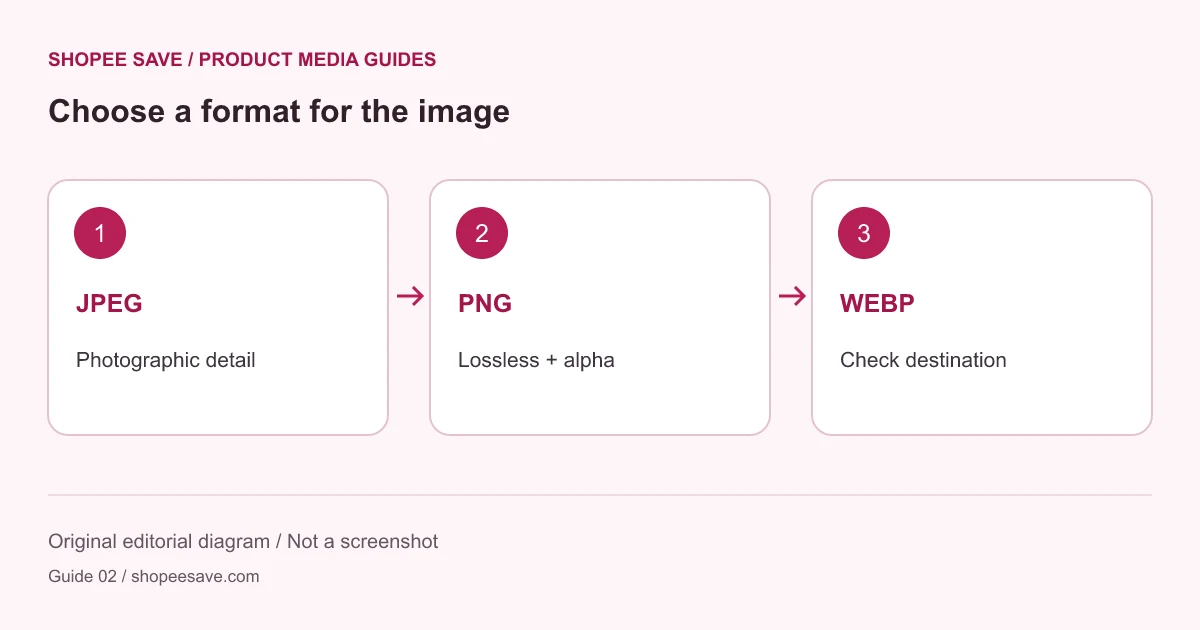
Choose an export format using photo detail, transparency and the destination rather than a universal quality claim.
The best export format depends on what the image contains and where the file will go. A photograph of woven fabric, a transparent logo and a diagram with tiny lettering put different demands on an encoder. Choosing one format for every file can produce avoidable artifacts or unnecessary file size.
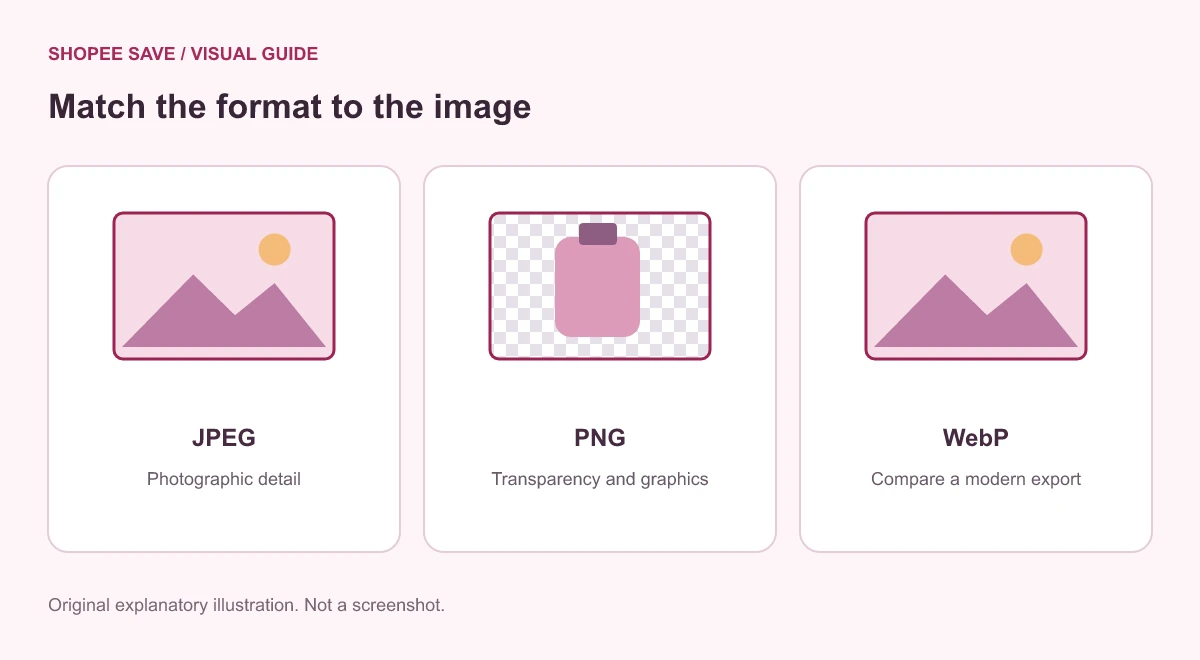
Before converting a folder, check the upload rules of the actual store or publishing system. A browser displaying a format does not prove that a marketplace upload form accepts it. If a receiving system lists JPEG and PNG only, use one of those formats. Renaming a .webp extension to .jpg does not convert the underlying image.
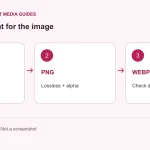
The product image editor offers JPEG, PNG and WebP output. Always inspect the downloaded file and its actual type, especially if your browser cannot provide the requested encoding. The export is a new file, so keep the source separately.
For a photograph with continuous color, JPEG is a useful candidate when broad compatibility matters. WebP is another candidate where the destination accepts it. Both can involve lossy compression, so a smaller result must still be checked for damaged detail. Look at text on packaging, curved edges and patterned surfaces rather than judging only the large background.
Do not assume that a quality value of 80 means identical quality or identical bytes across formats. Those settings belong to different encoders. A practical comparison uses the same source and output dimensions, then records each file’s size and checks its visible detail. The compression experiment guide gives a repeatable way to do this without promising a fixed saving.
PNG can preserve transparency without lossy image compression. WebP can also carry transparency, subject to your receiving workflow. JPEG cannot retain an alpha channel. In this site’s editor, JPEG output uses a white background, so a transparent product cutout may look different when placed on a colored page.
Test a transparent source against the destination’s real background. A pale halo around an object can be difficult to spot against white. If the original photograph already has a solid background, switching to PNG will not remove that background or create a cutout.
Sharp labels and line drawings deserve a separate test from photographs. A slightly blurred product label may matter more than a large byte reduction. PNG is worth comparing when retaining crisp lines is the priority; it can be considerably larger for some photographs. MDN’s image format reference documents the formats and their capabilities.
Keep the choice simple: verify destination support, export a representative image, compare the visible result and save the smallest version that still does its job. Follow the illustrated editor steps for the controls, or return to the site tools and guides to choose a different workflow.













shopee save: Thanks
Koiran Dhananjay babu01: 😘😘😘❤️😘❤️😘
Asariparth: 🔥🔥🔥
shopee save: I'm glad it was useful